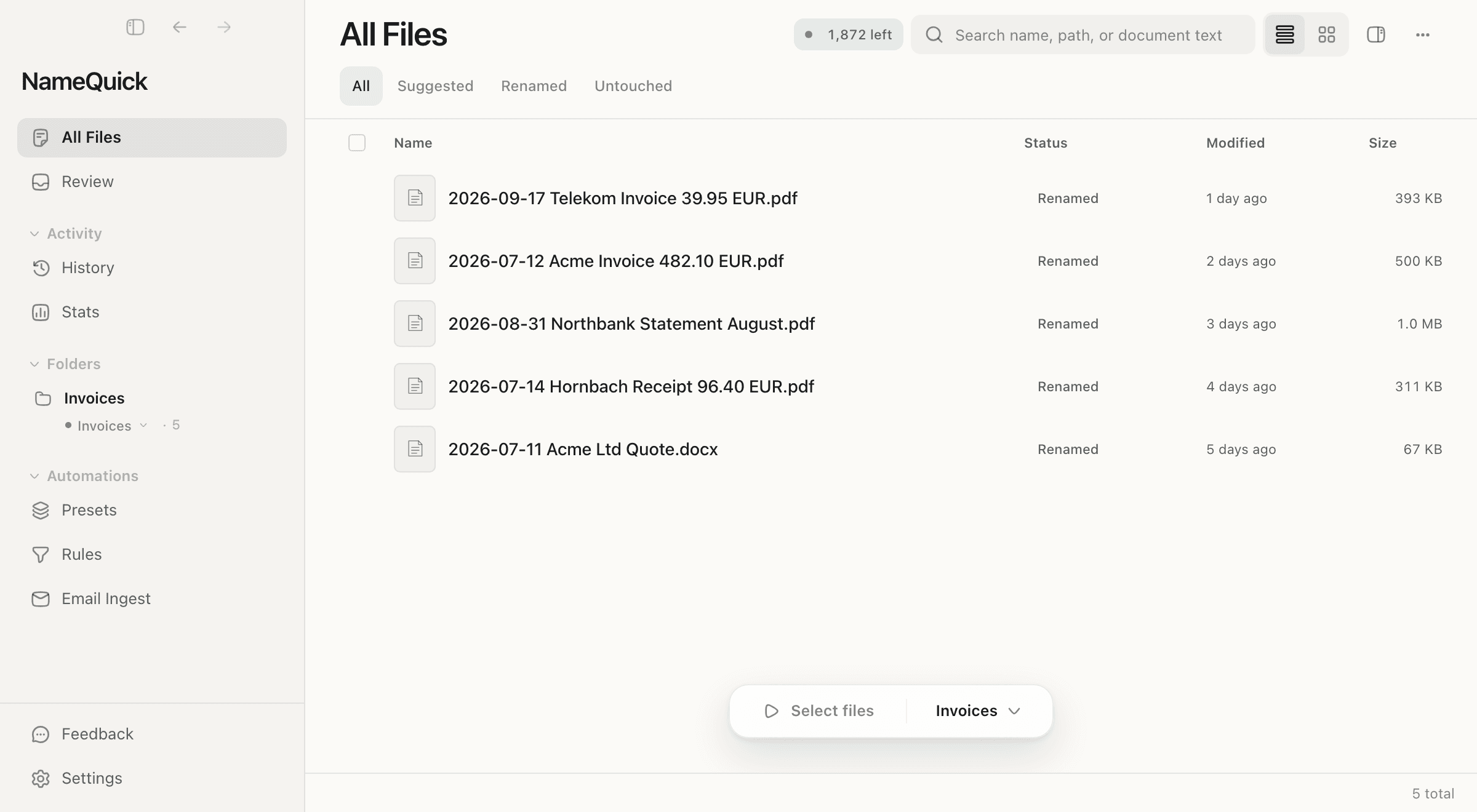
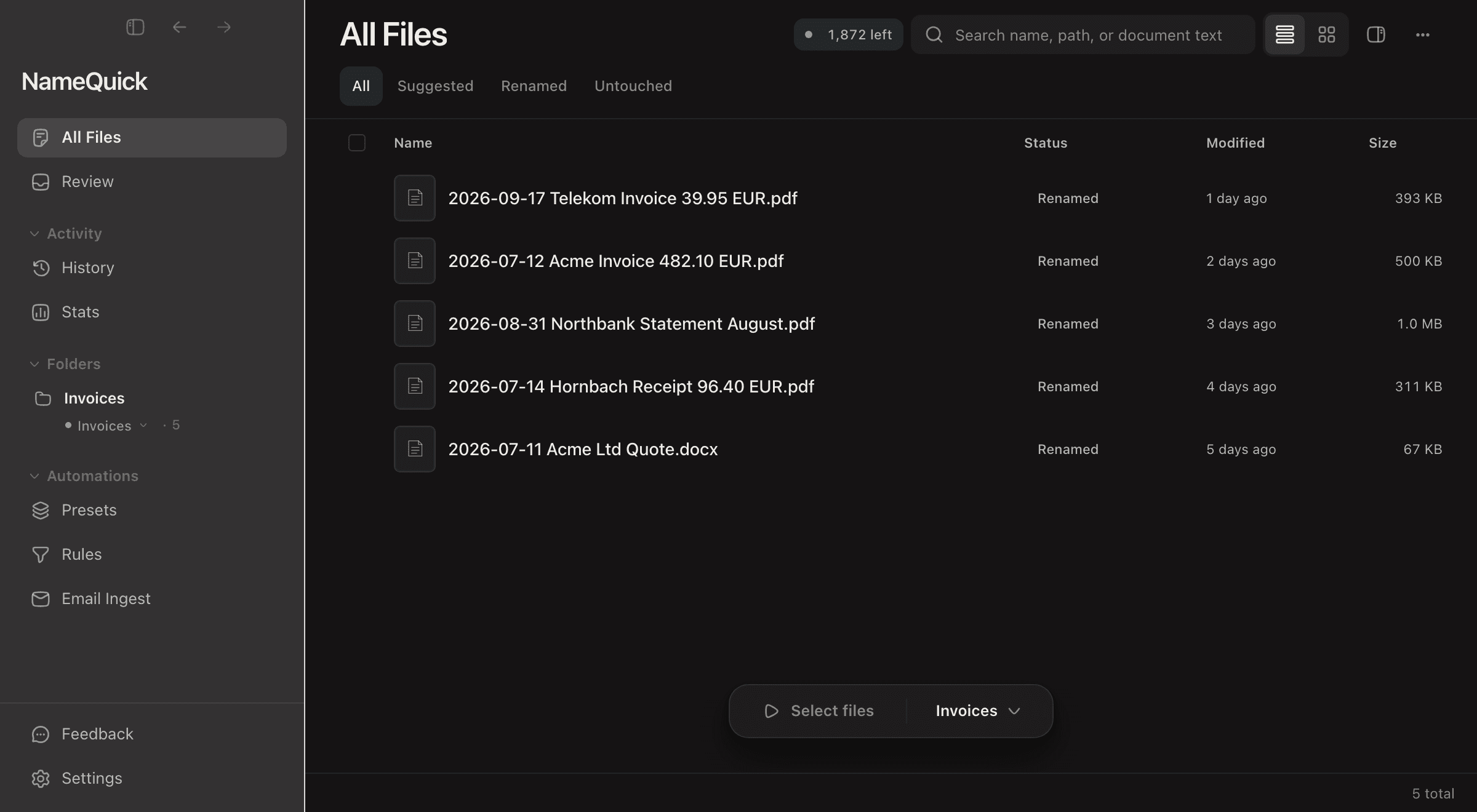
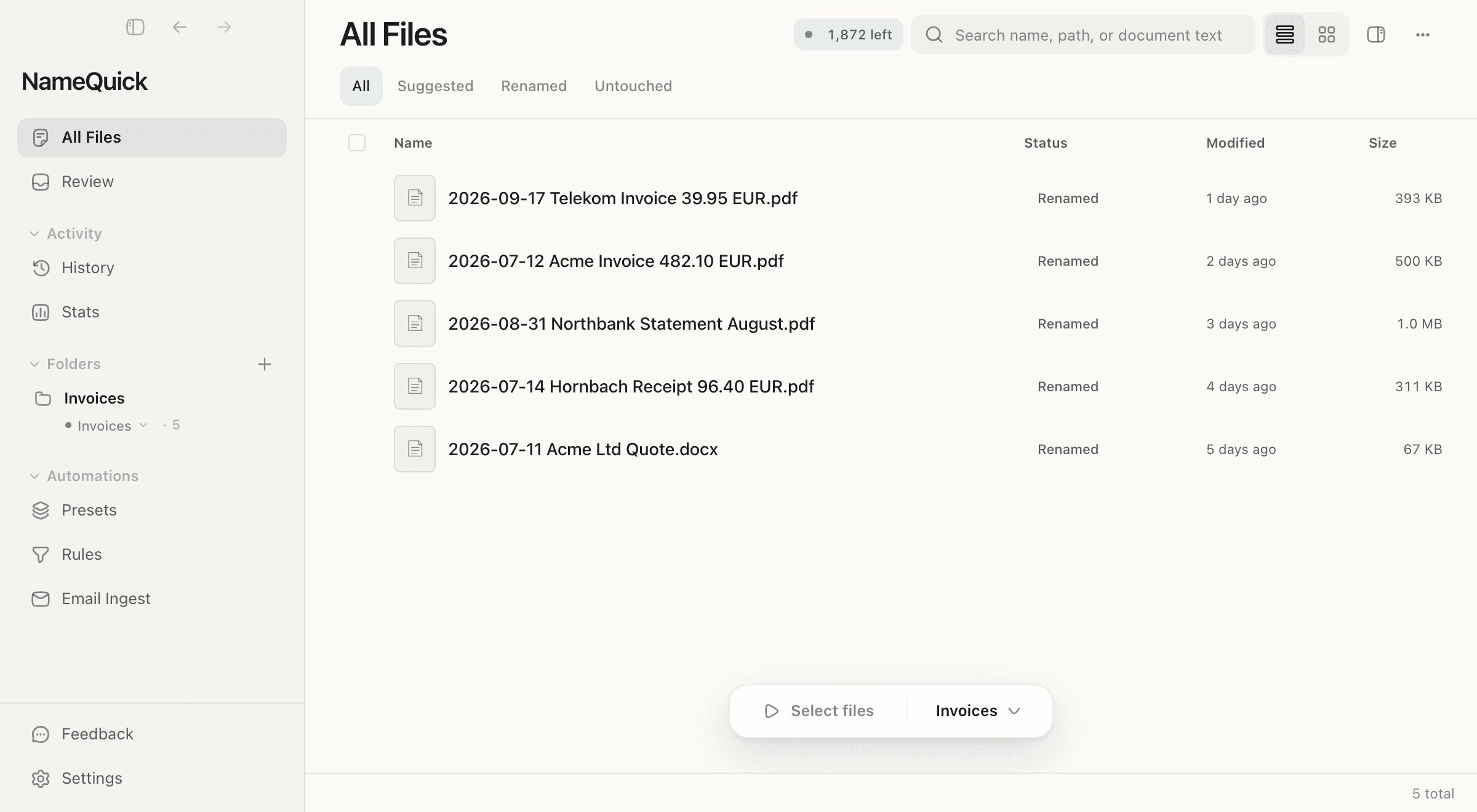
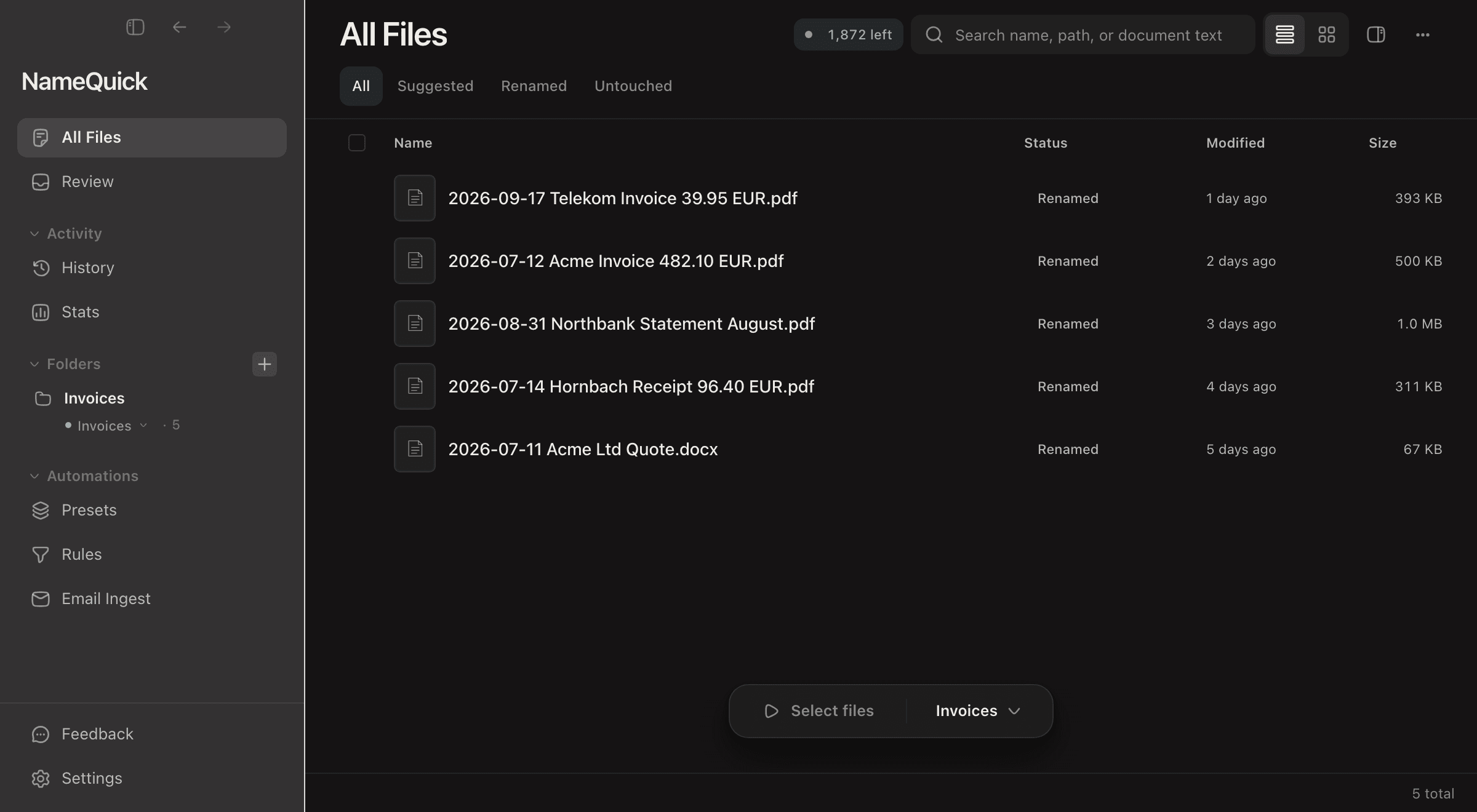
Images
8 formats
Supported by OpenAI, OpenRouter, Gemini, Claude, Ollama, LM Studio
Not just another renaming tool. NameQuick brings true intelligence to file organization.
AI that understands context, not just text
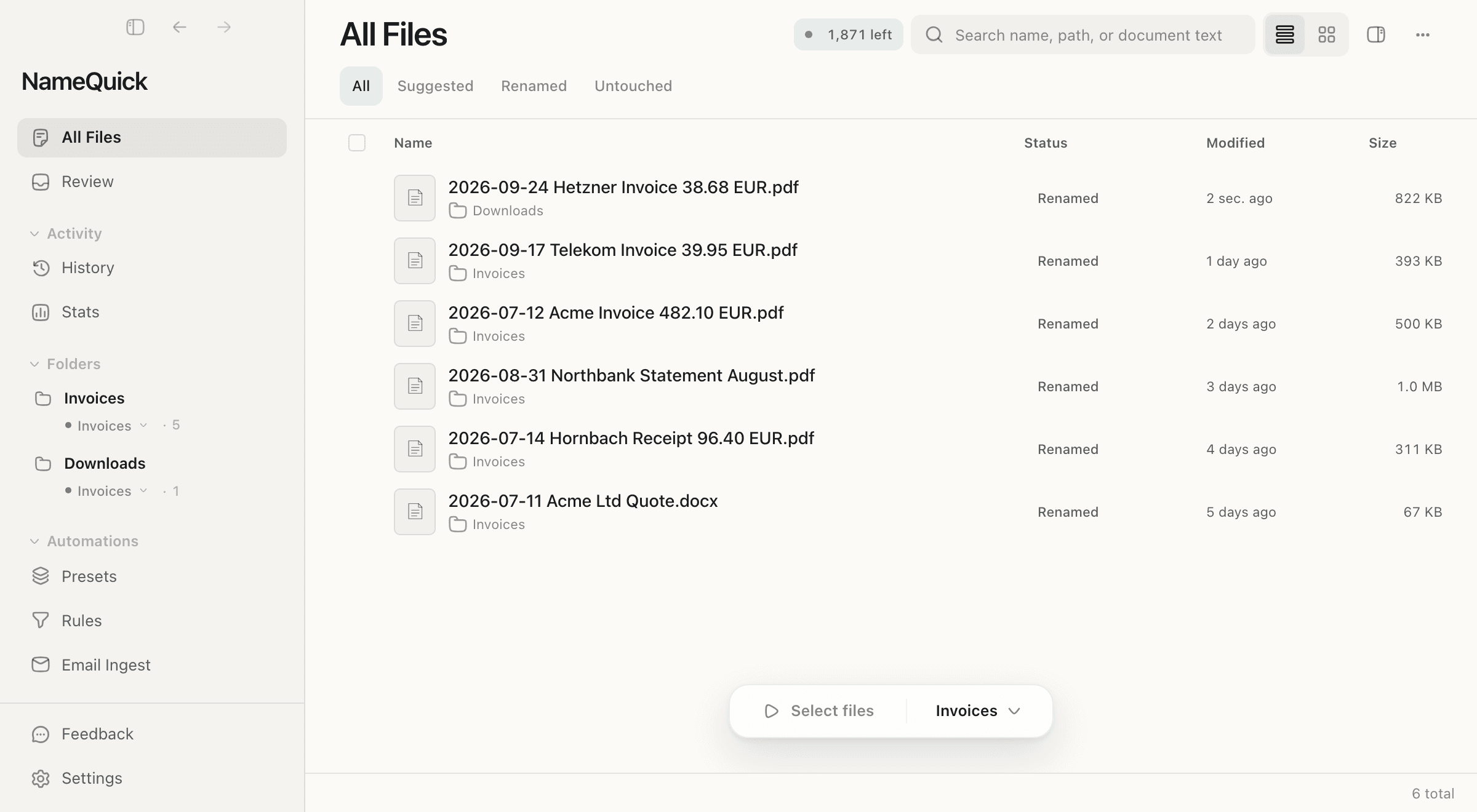
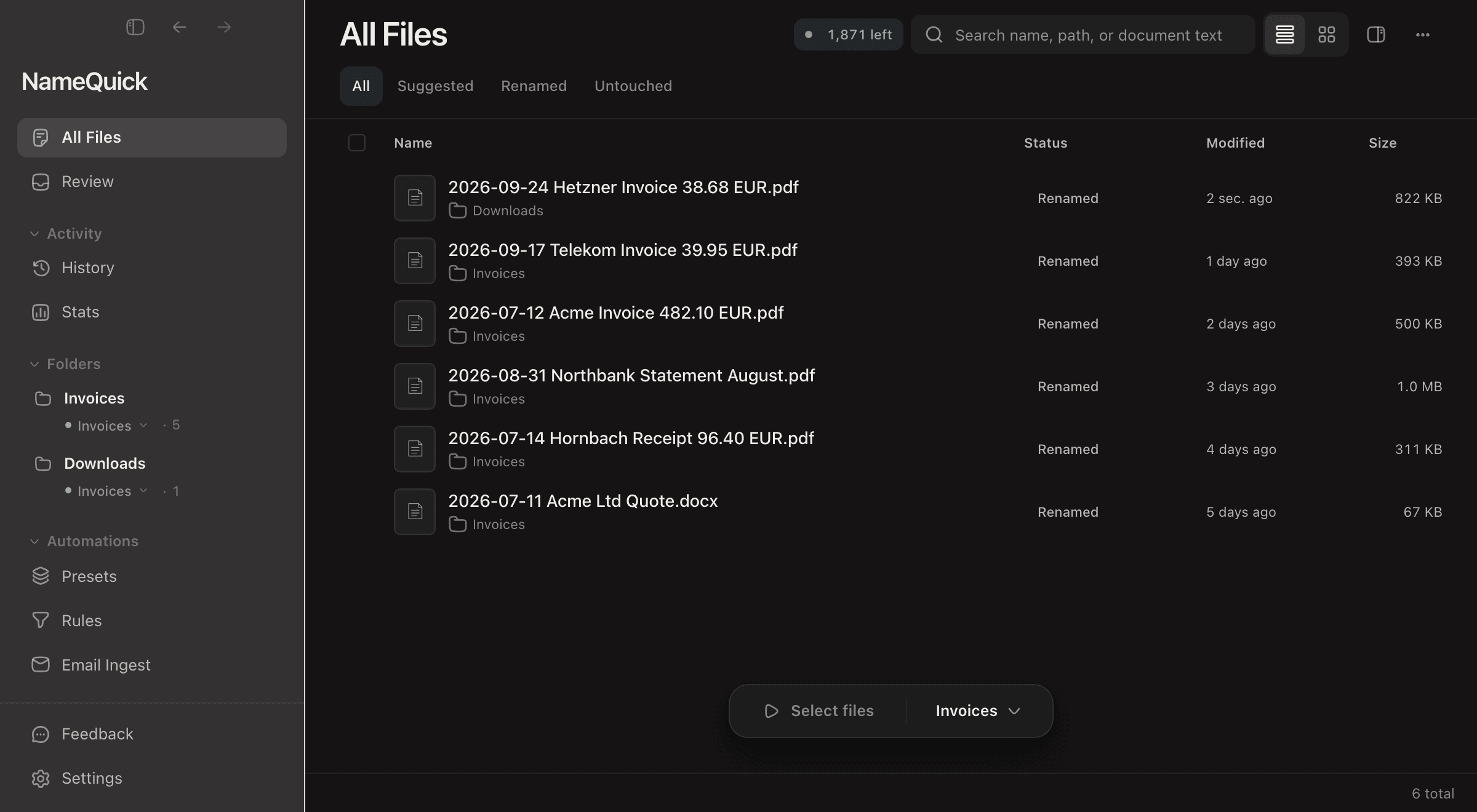
NameQuick comprehends document structure, identifies key details like dates, parties, and amounts.
Rename files without lifting a finger
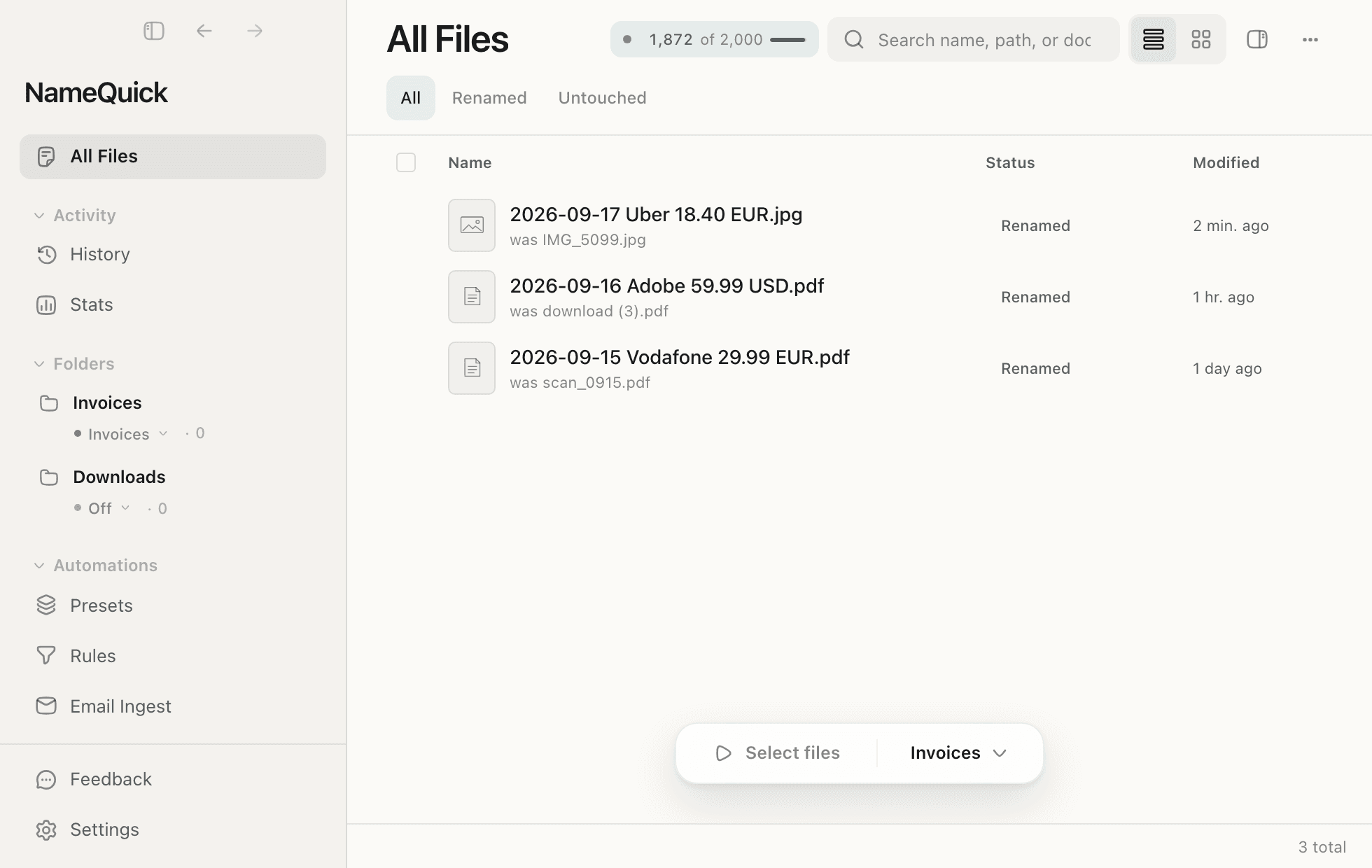
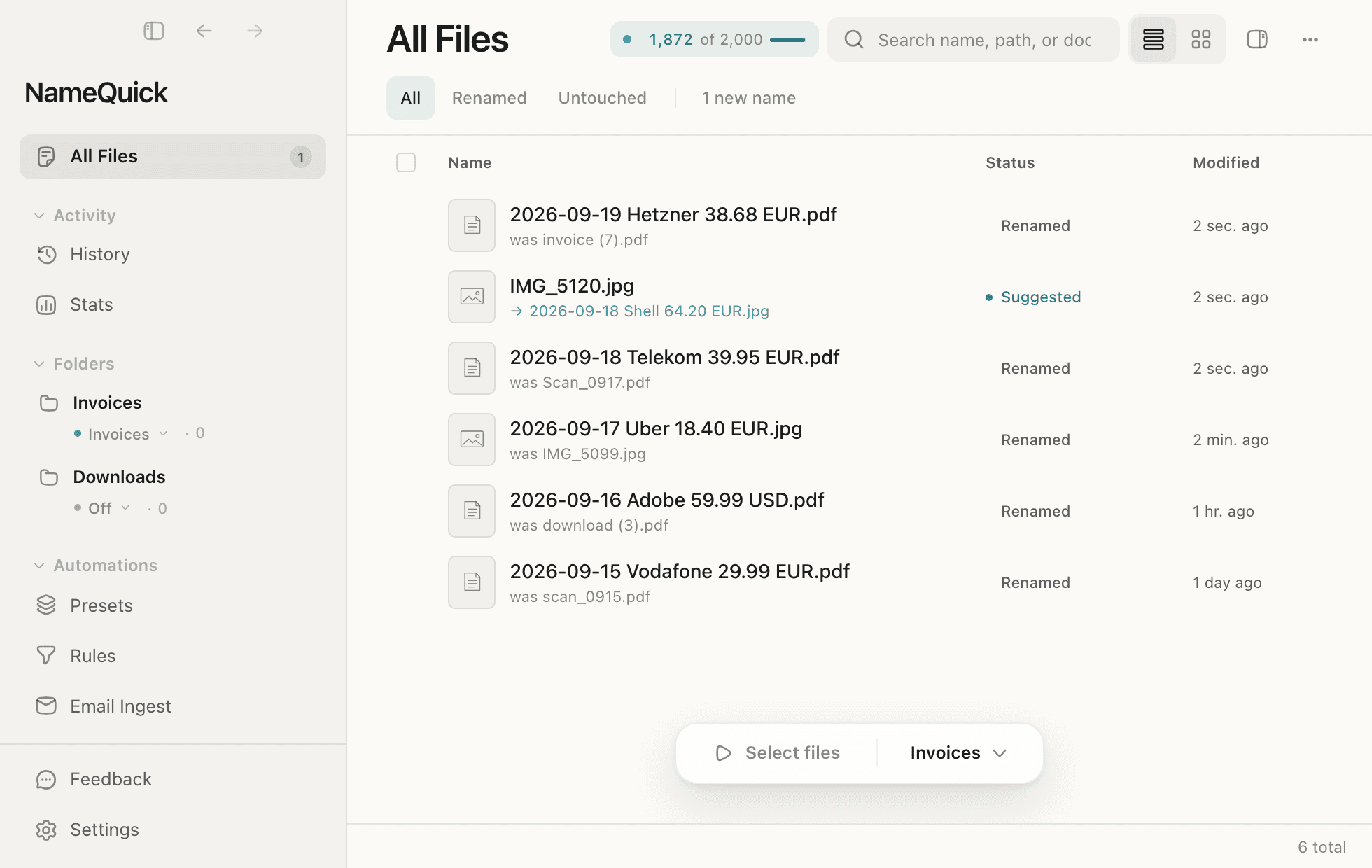
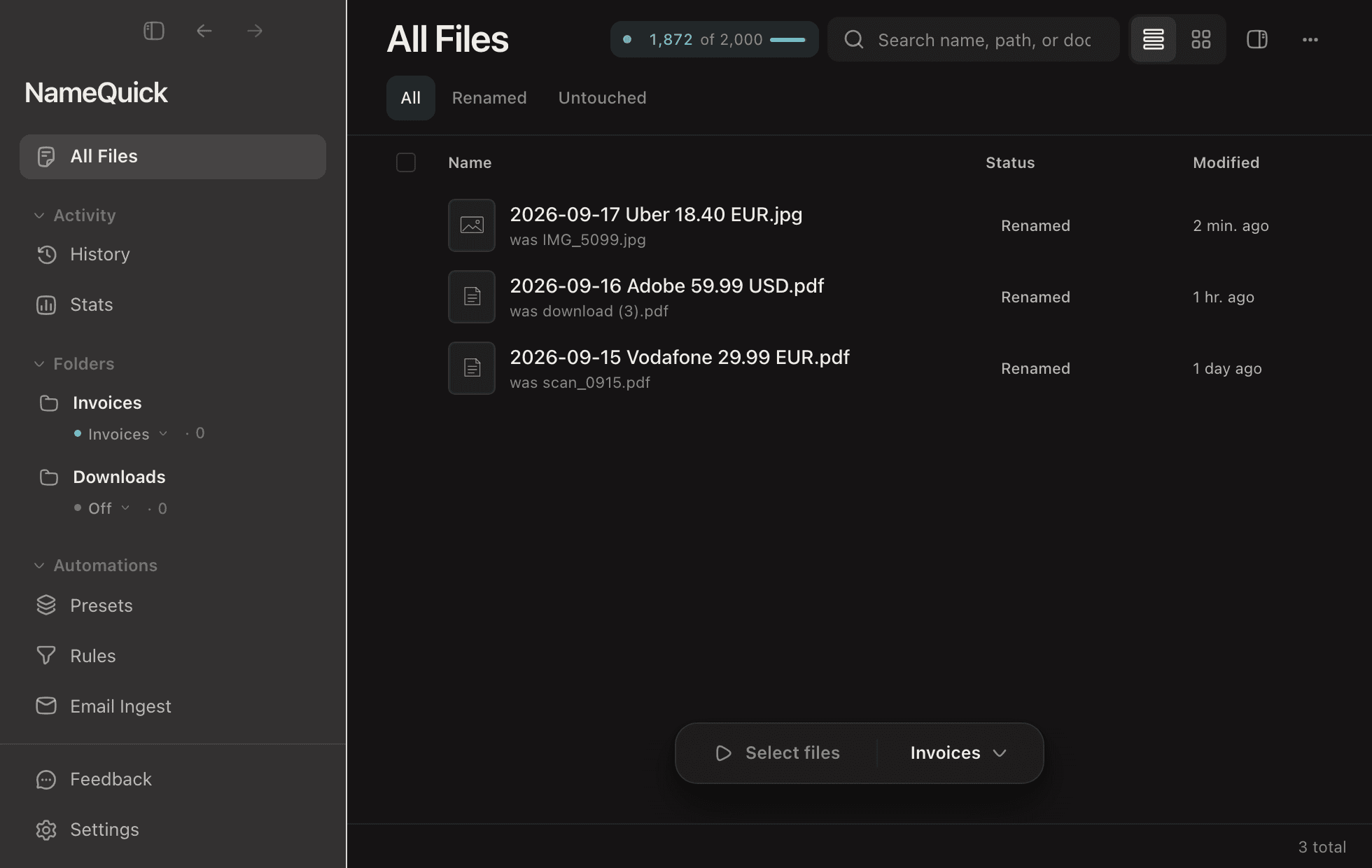
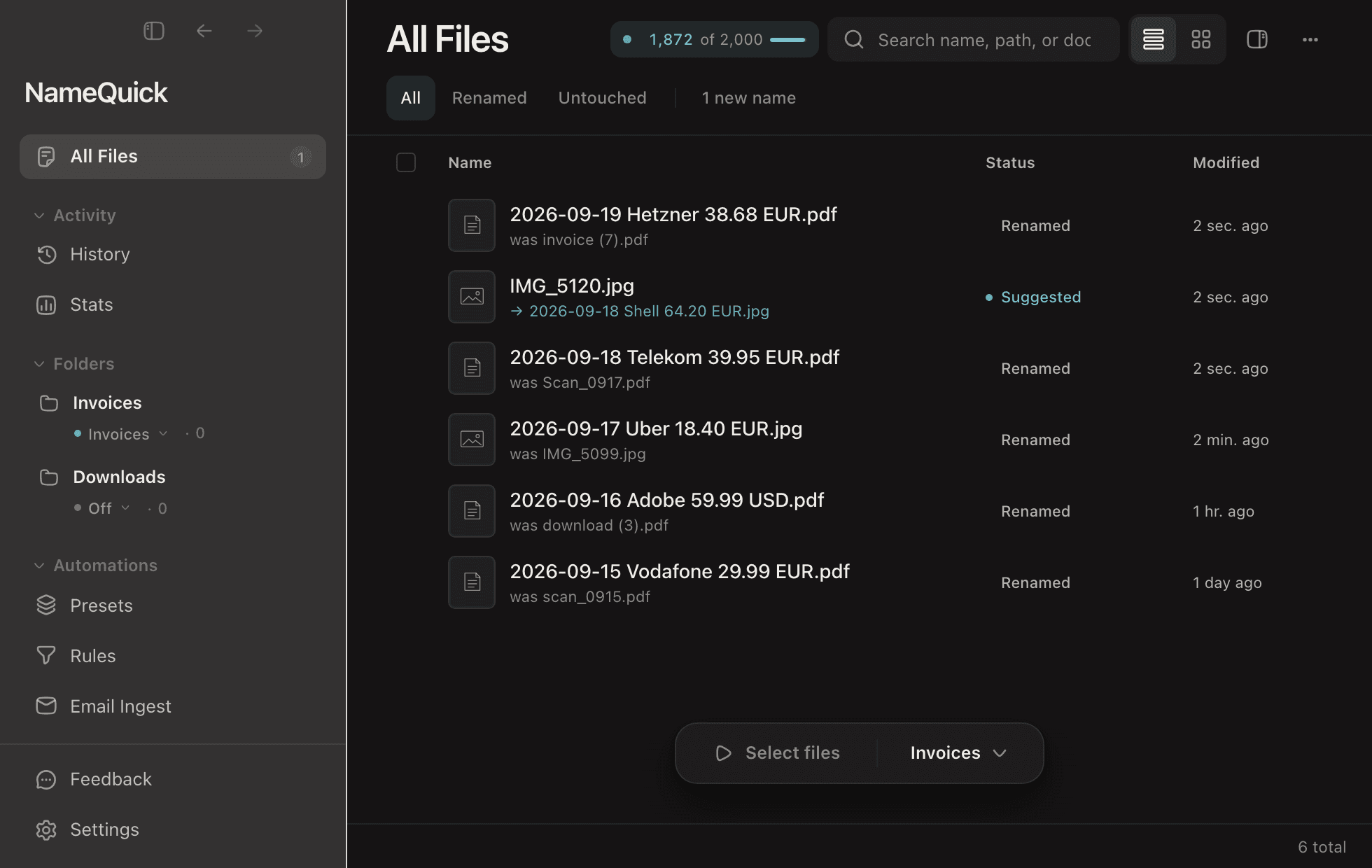
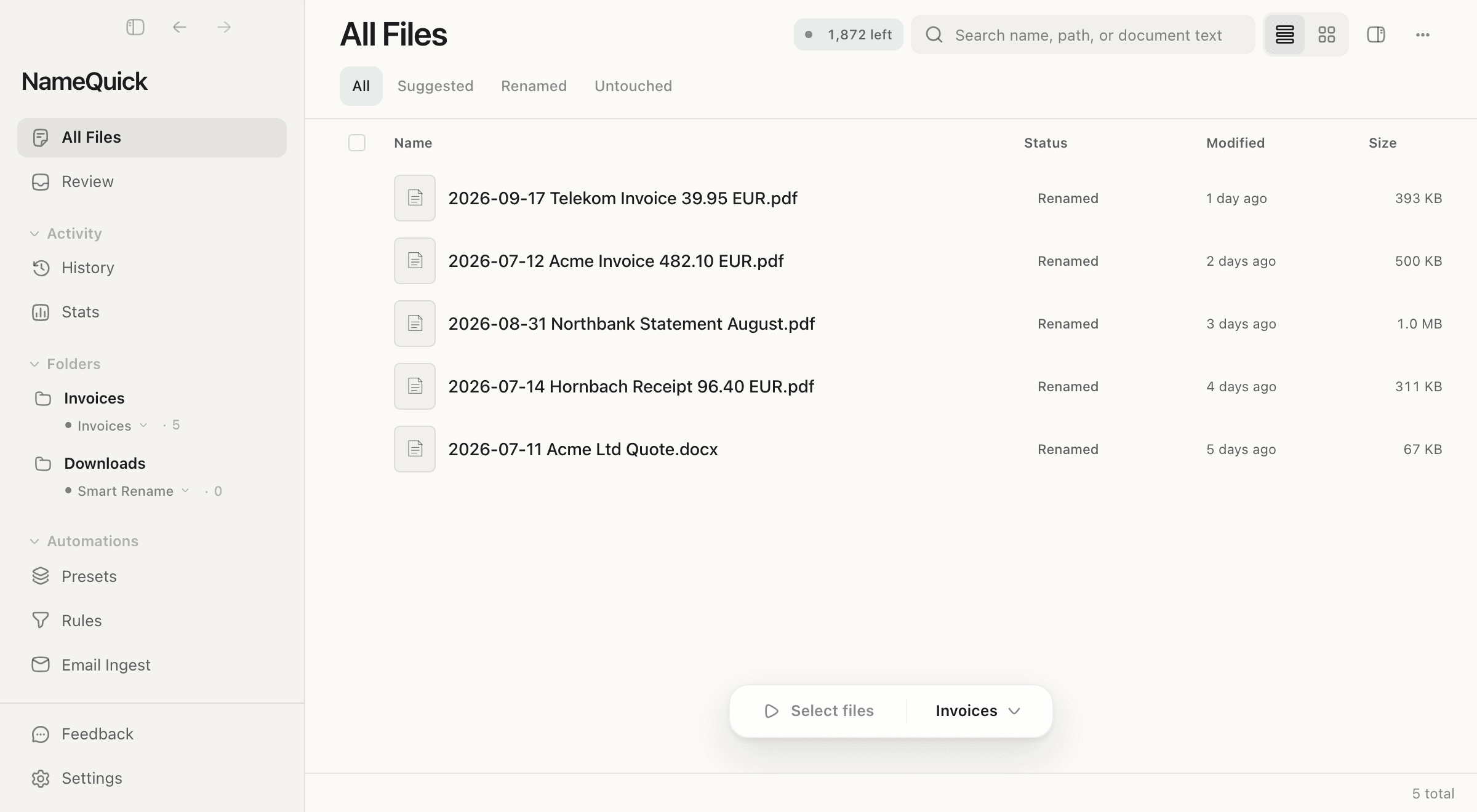
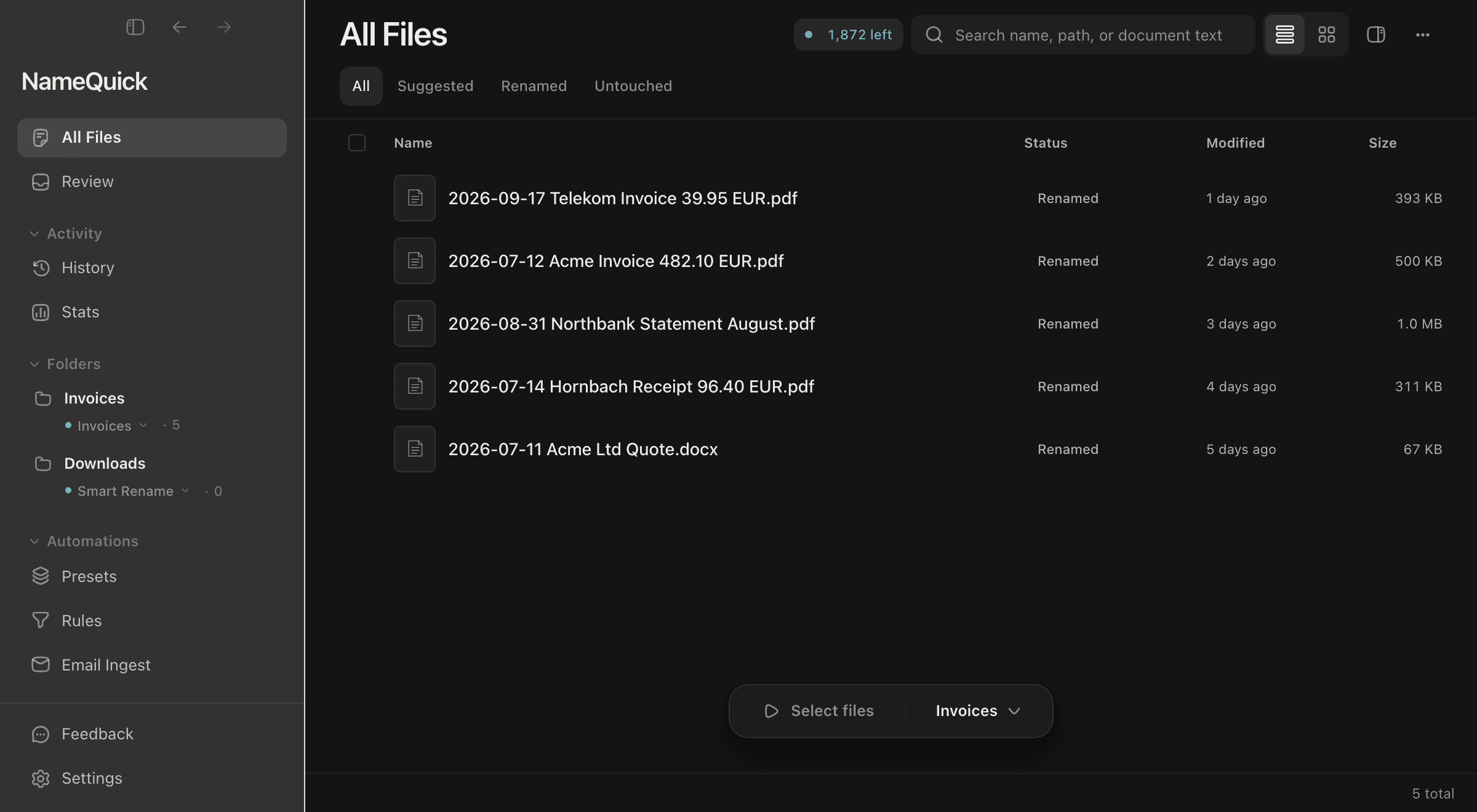
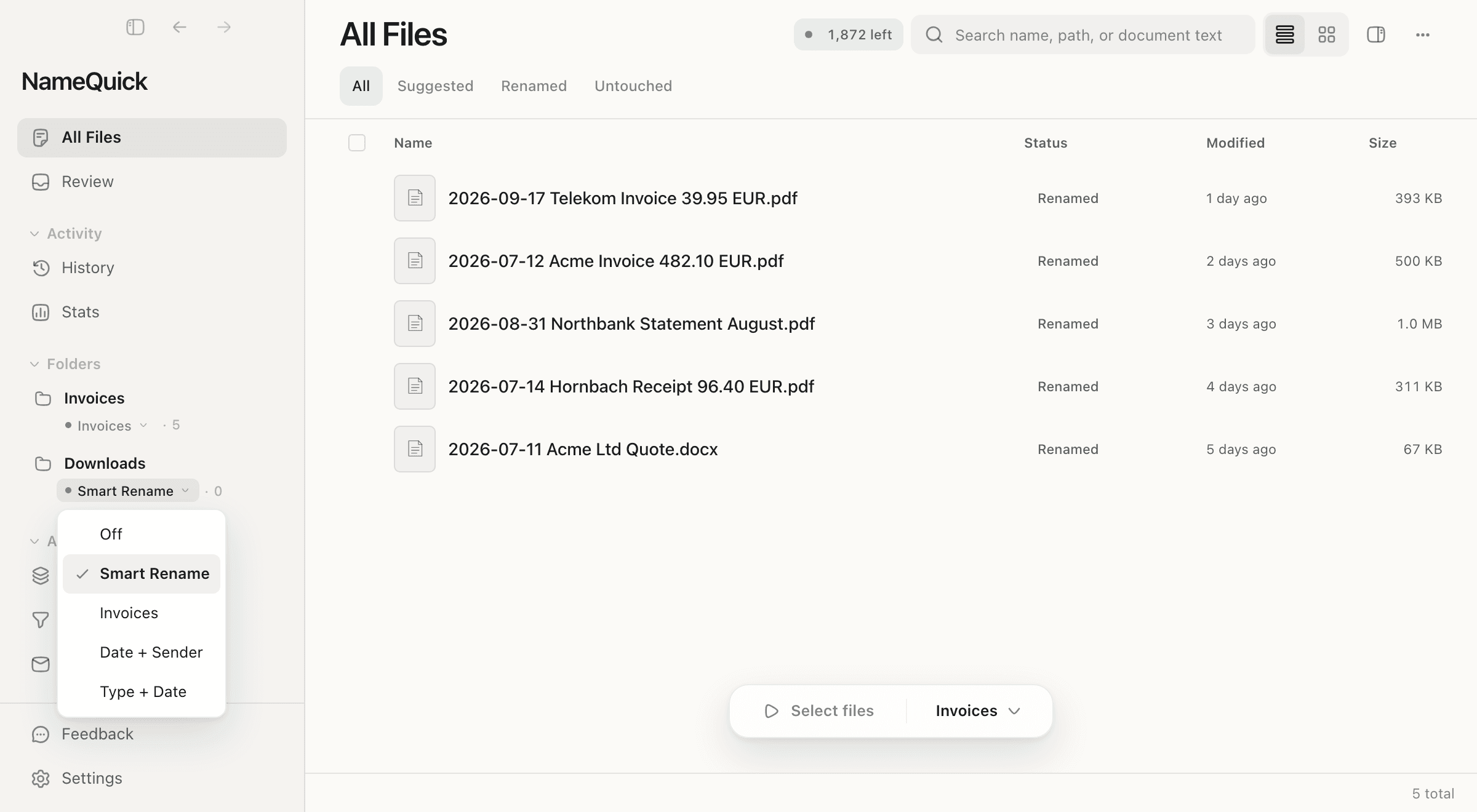
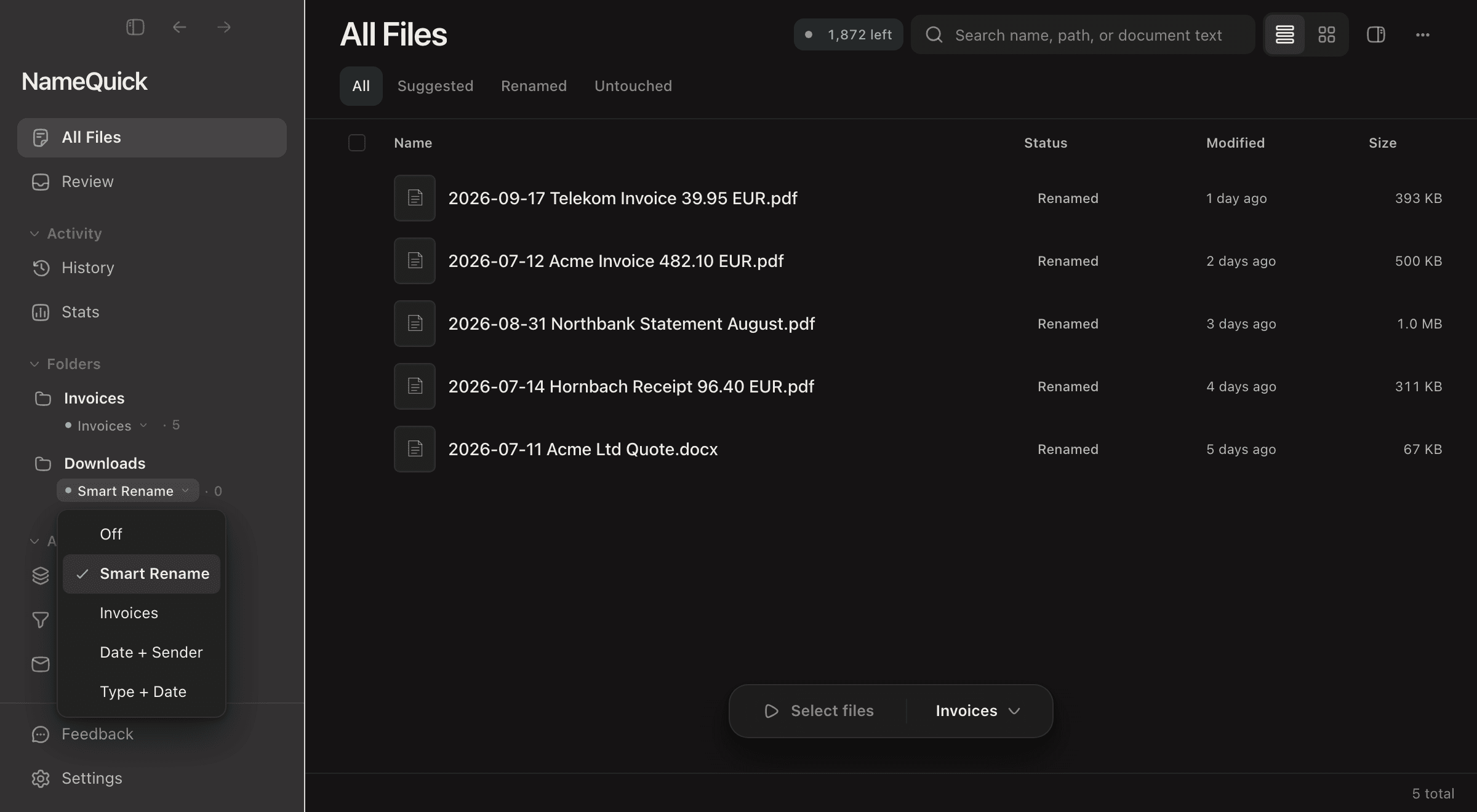
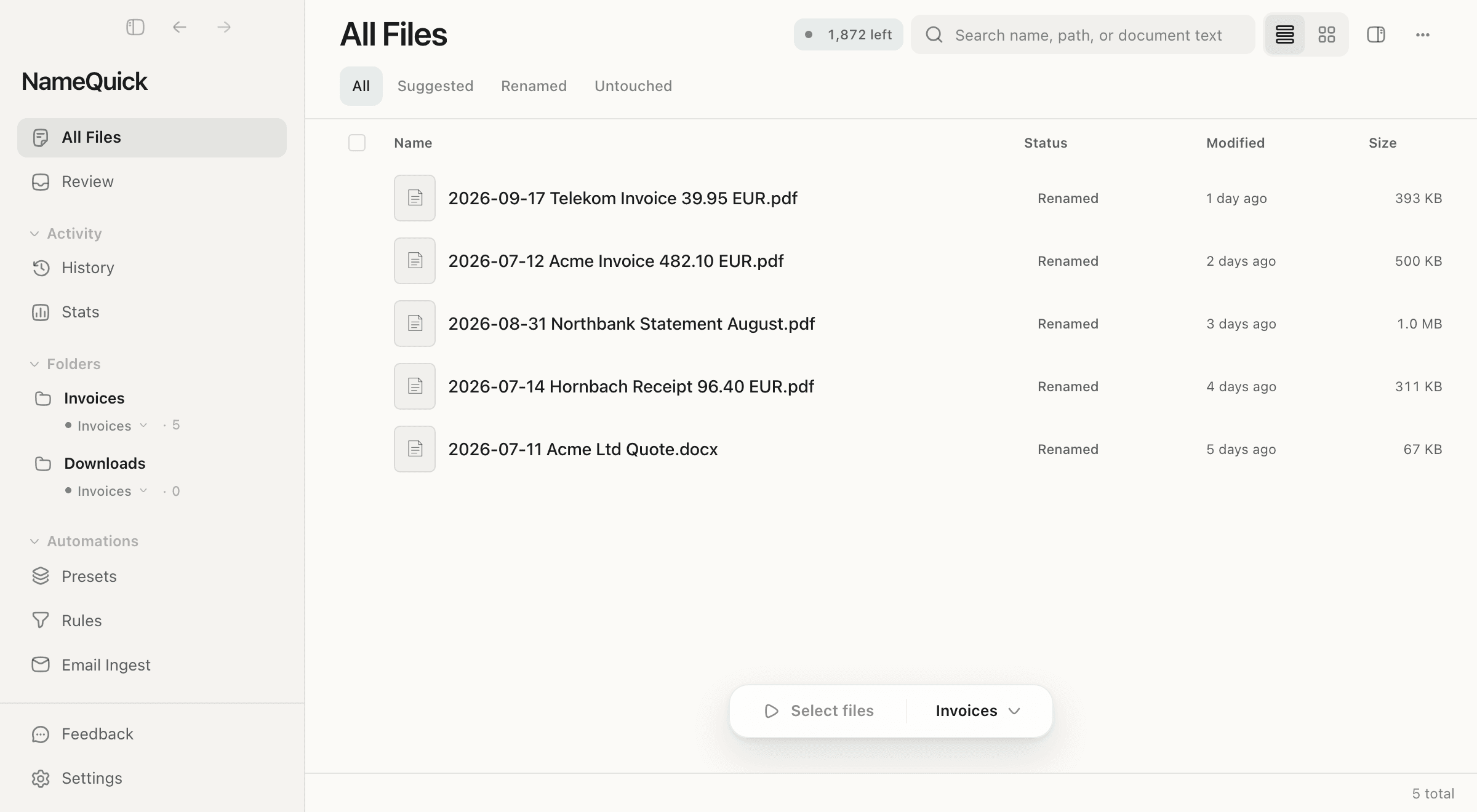
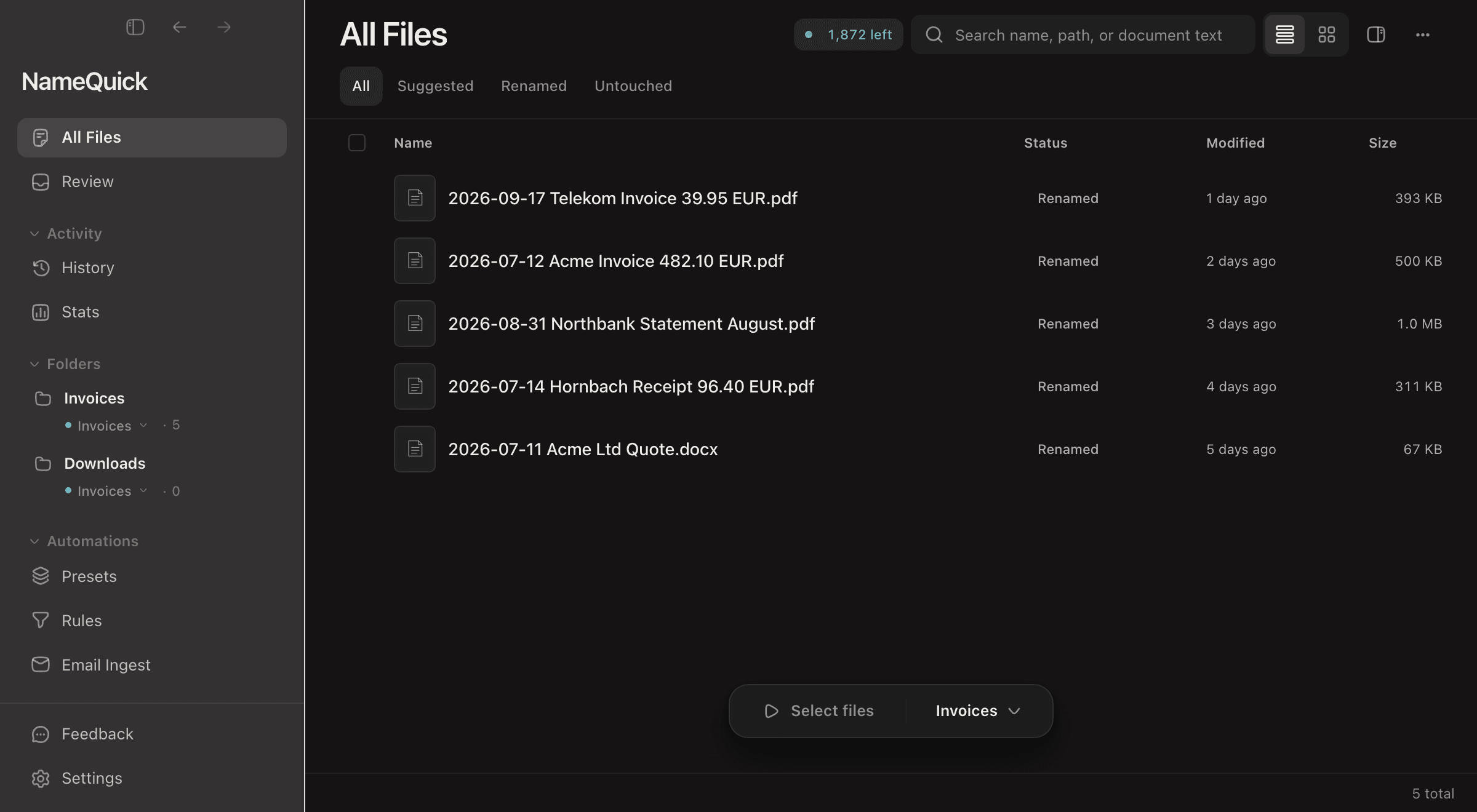
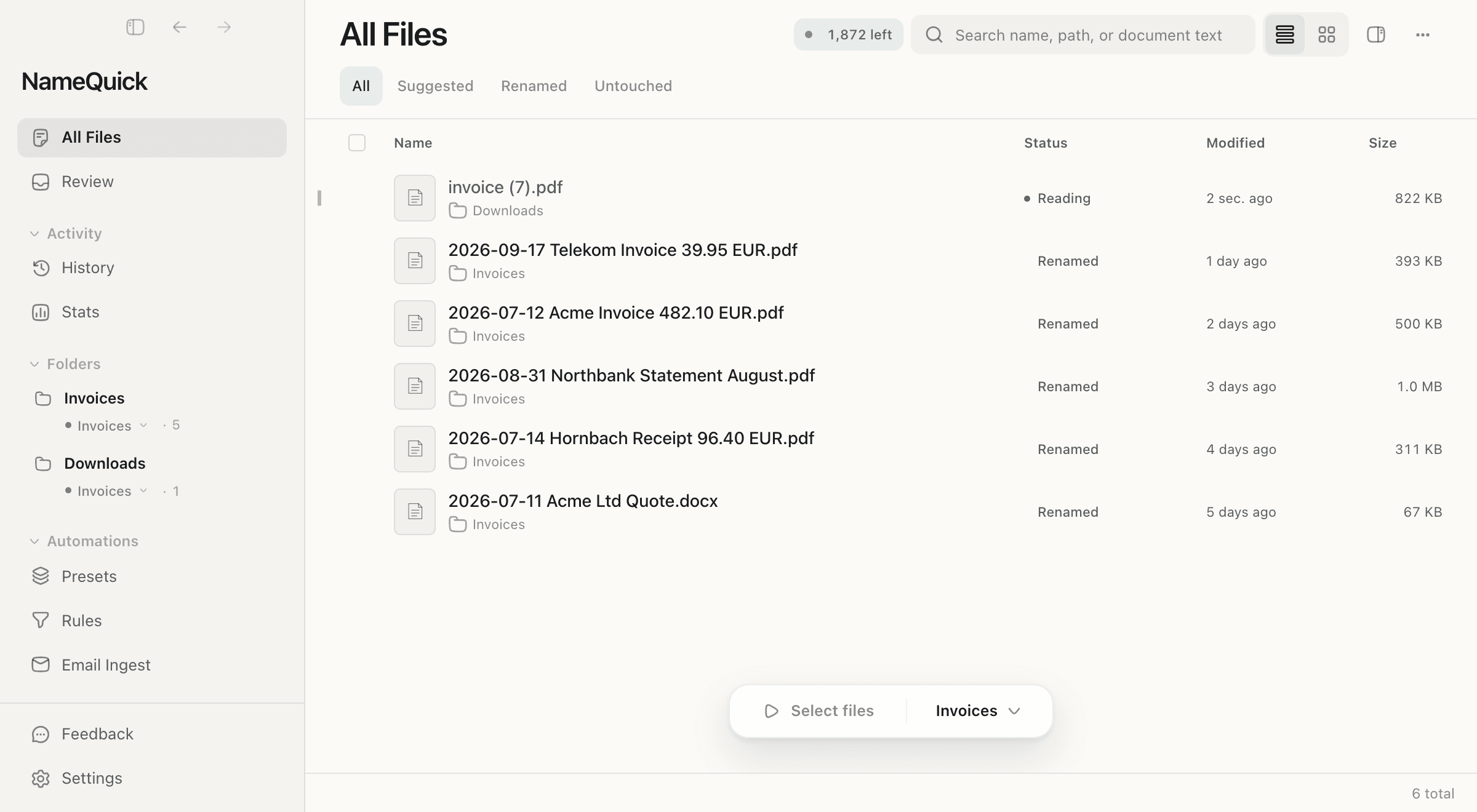
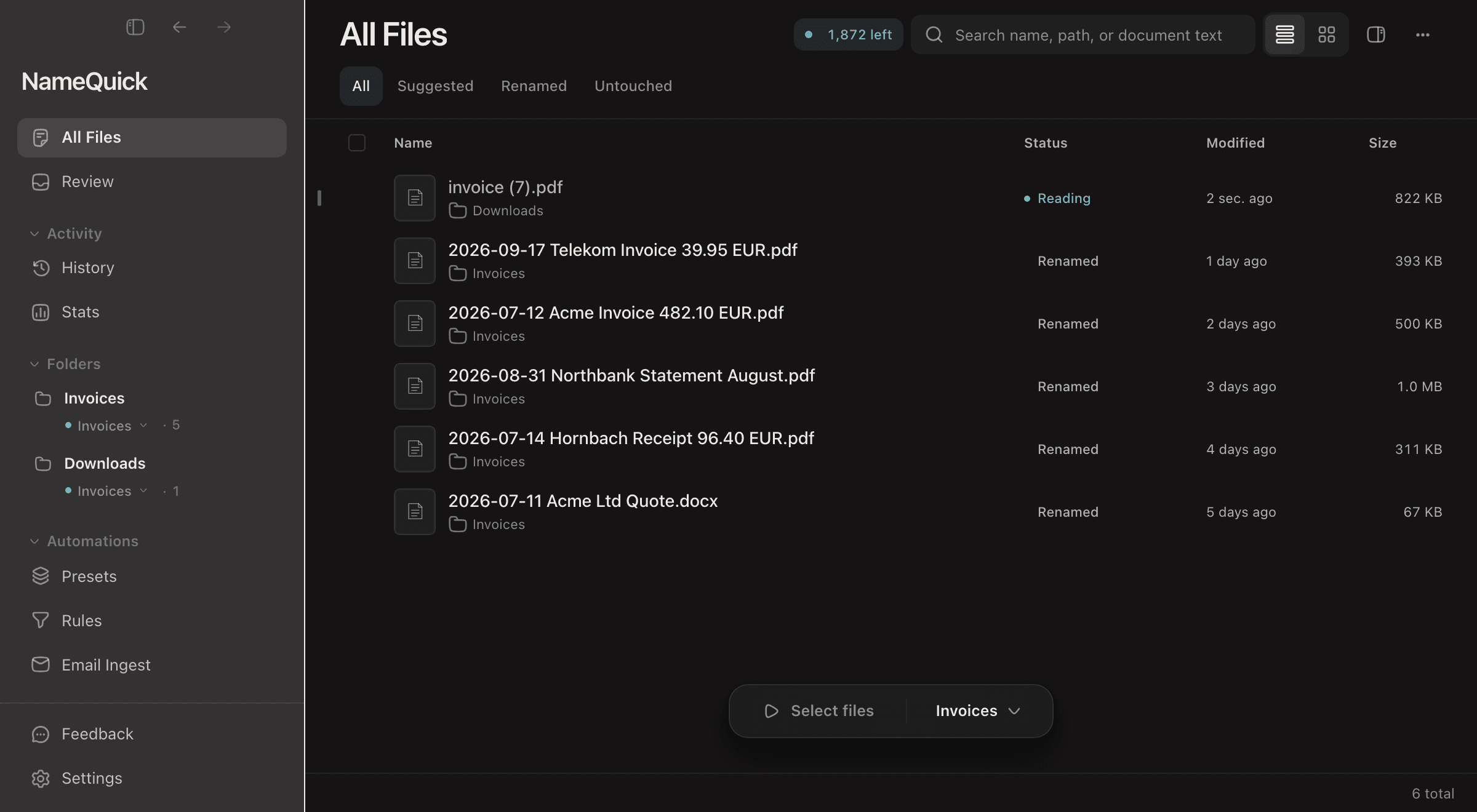
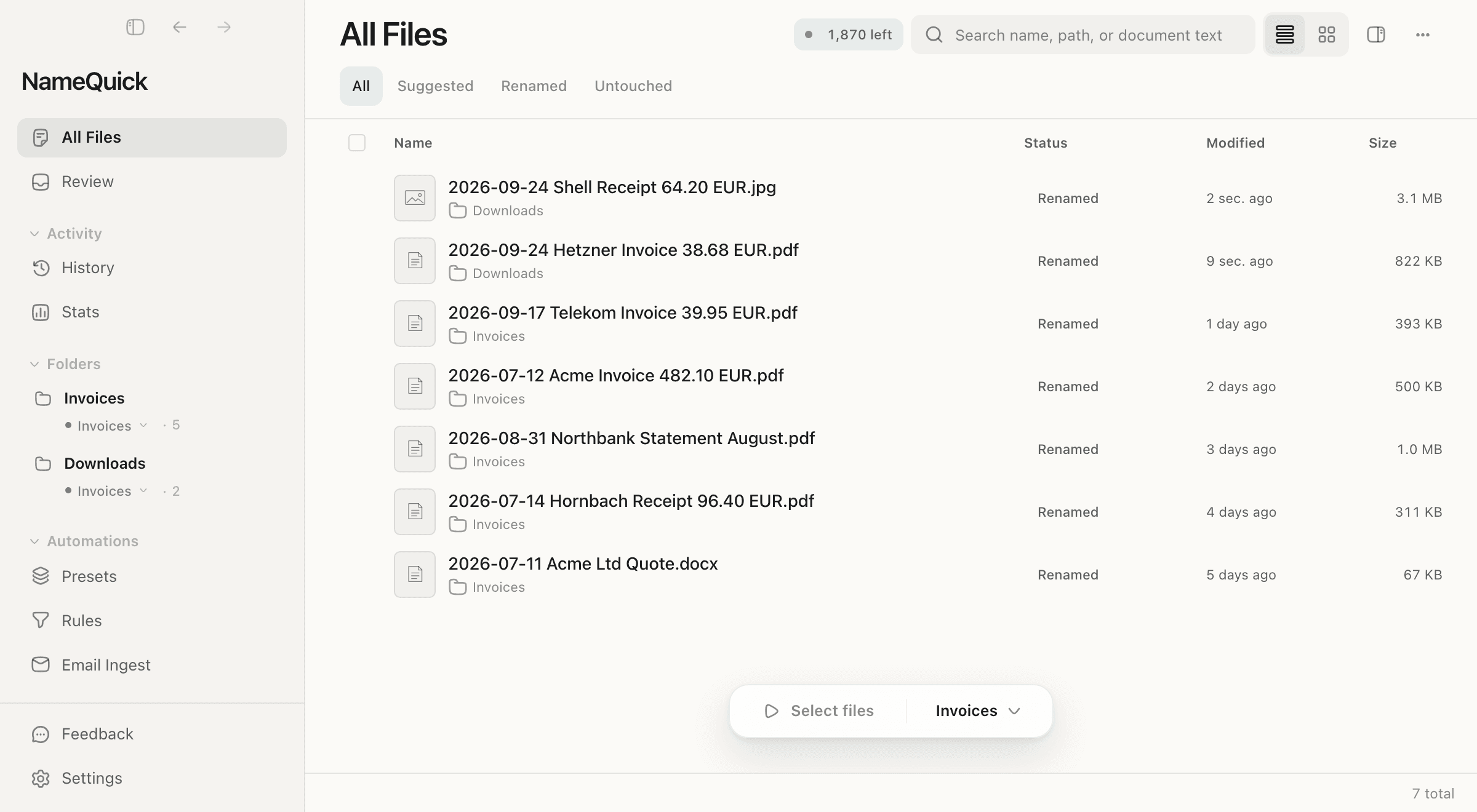
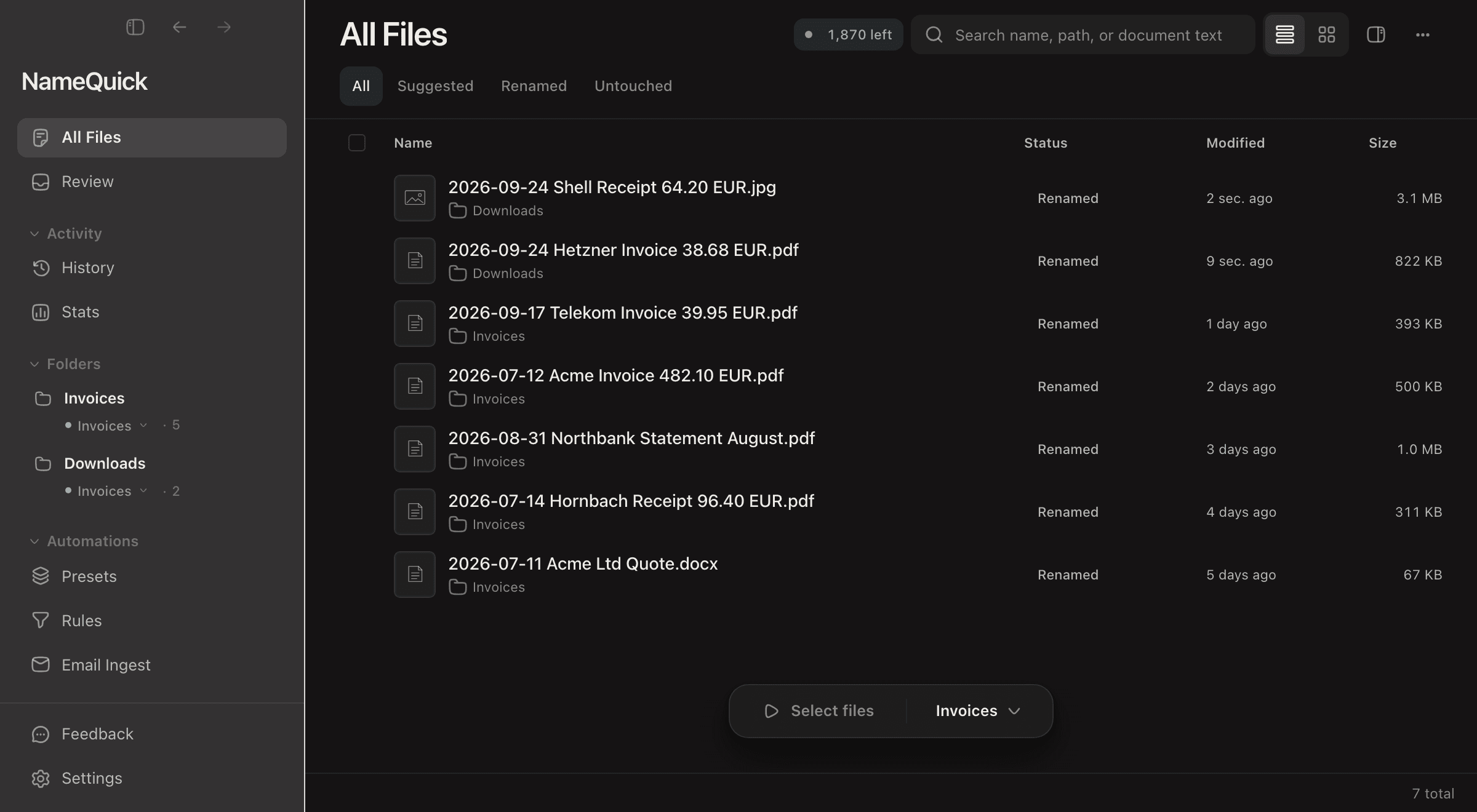
Save files to watched folders - NameQuick automatically detects, analyzes, renames, and organizes.
From structured templates to freeform prompts
Use precise templates with smart tokens, or write custom prompts for complete flexibility.
Tag and sort automatically
Files get Finder tags and move to the right folders based on content—while preserving original timestamps. Your documents organize themselves.
Use structured templates for repeatable workflows, or write freeform prompts when you need full flexibility.
Structured presets with extraction fields and filename patterns. Built-in validation and test-in-editor.
Example output
A complete workflow from capture to organization - without the clutter.
Generate descriptive filenames from document content in one action. Optionally add Finder tags and comments in the same pass.
Drop files onto NameQuick to analyze, rename, and tag instantly. Also supports manual selection and multiple intake paths.
Start processing from anywhere with a configurable hotkey. No app hunting or context switching.
Monitor folders to automatically discover and process new files as they arrive.
Conditions with AND/OR logic. Two phases: 'When added' (pre-AI) and 'After rename' (post-rename).
Track all files across To Process and Processed views. Preserves original creation dates across every operation.
Subscription plans support all formats below.
BYOK users can compare provider capabilities.
8 formats
Supported by OpenAI, OpenRouter, Gemini, Claude, Ollama, LM Studio
7 formats
Supported by OpenAI, OpenRouter, Gemini, Claude, Ollama, LM Studio
8 formats
Supported by Gemini
9 formats
Supported by Gemini, Claude
AI reads your files and suggests meaningful names - instantly.
How professionals use NameQuick to organize their digital life
Automatically extract vendor, date, and amount from expense documents. Organize into year/month folder structures for easy bookkeeping.
2024-01-15_Amazon_Office-Supplies_45.99.pdfRename hundreds of photos with descriptive names based on content—vacation shots, product photos, or screenshots.
Venice-2024_Gondola-Ride_Sunset.jpgSort academic papers by topic, author, or publication date. Build a searchable library automatically.
Smith-2023_Climate-Change-Impacts_Nature.pdfExtract SKU numbers visible in product photos and auto-rename images for inventory management.
SKU-A78432_Blue-Running-Shoes_Stock-Photo.jpgReal feedback from professionals who've made NameQuick part of their workflow
I've been using NameQuick daily for six weeks watching my downloads and screenshots folders. Easy to set up, no fiddling required. When I had an issue first thing in the morning, Josef had a solution before lunchtime. You can't ask for more than that!
File renaming: often tedious, always necessary. Now it is genuinely enjoyable!
This is a pretty nifty little app that intelligently names things like screenshots and PDFs based on their contents... And it can watch entire folders and rename files as they're added.
Two modes, one promise: your files stay yours.
Privacy foundation - Always true for both modes
Zero retention
Content analyzed then immediately deleted - never stored
No model training
Your data is never used to train AI models
Local application
Renamed files stay on your Mac - nothing uploaded
Enterprise AI access, zero key management.
GDPR-ready by default
EU-region processing via Google Gemini under GDPR data processing terms
No-training guarantee
Paid endpoints configured to exclude your data from model training
No keys to manage
We handle credentials so you stay focused on your work
Enterprise AI access, zero key management.
GDPR-ready by default
EU-region processing via Google Gemini under GDPR data processing terms
No-training guarantee
Paid endpoints configured to exclude your data from model training
No keys to manage
We handle credentials so you stay focused on your work
Your keys, your provider, your terms.
Choose your provider
Use Anthropic Claude, OpenAI GPT, Google Gemini, or local Ollama/LM Studio models
100% offline option
Run with Ollama or LM Studio - nothing leaves your device
Keys stay in Keychain
API keys stored only in macOS Keychain
Choose how you want to use NameQuick. Switch anytime.
Both plans start with a 7-day free trial — 50 file renames, no charge.
No API keys needed. We handle everything.
500 credits/month included
= 1¢ per rename
Choose your monthly credits - 1 credit = 1 file rename
50 free renames included. You won't be charged during the trial.
Your API keys, your provider, your costs.
1 device - lifetime updates
Works with your favorite providers
API keys
Required for BYOK
50 free renames. No credit card required.
NameQuick uses AI to understand what's inside your files and generates consistent, meaningful names - in seconds.
macOS 15+ · 7-day free trial (50 file renames) · No charge to start
Everything you need to know about NameQuick