For freelancers and small businesses

Your receipt ledger: no more missing receipts at month-end.

Every debit shows whether its receipt is there.

Forward invoices, upload the bank statement, and see the rest in the cockpit. If a debit has no receipt, you know right away — not when your tax advisor asks.
  • Every debit shows whether its receipt is there.
  • Request missing receipts from the sender in two clicks.
  • At month-end a DATEV export goes to your tax advisor.
  • Originals stay unchanged, and every change is logged.

No card required to start.

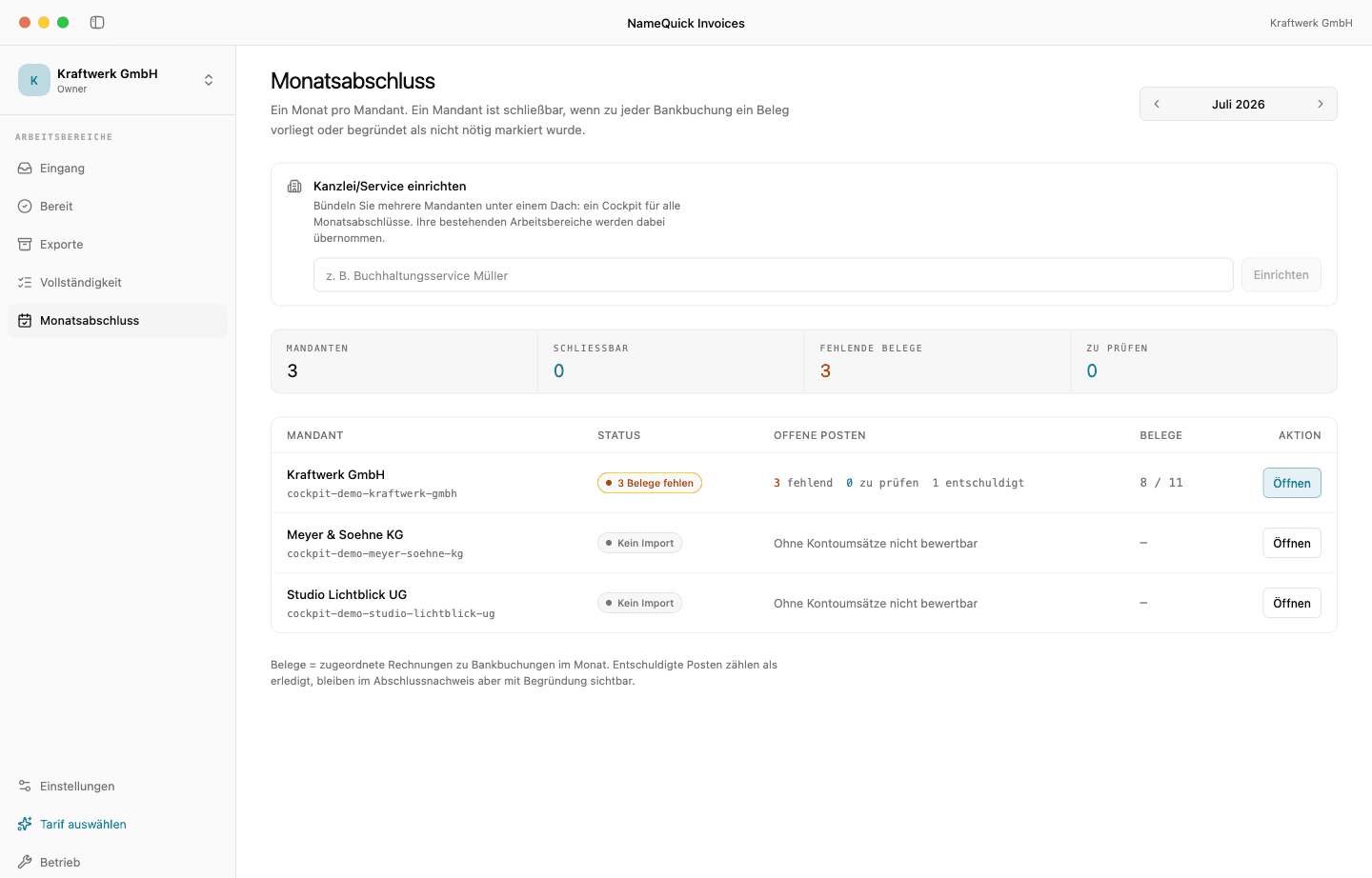
A company's cockpit: bank bookings with receipt status and missing receipts
GoBD-supporting workflow
GDPR-compliant
EU hosting
DATEV EXTF export

How it works

From bank statement to DATEV export

Five steps, once a month. After that you only see the bookings where something is missing.

  1. 1

    Upload the bank statement

    camt.053 or CSV from online banking. We need no banking credentials and no account access.

  2. 2

    Invoices arrive

    Forwarded to the company's email address or uploaded directly. XRechnung, ZUGFeRD, PDF, scan, and photo are all read.

  3. 3

    Reconcile to the cent

    Every bank booking gets its invoice. You confirm suggestions once, and split combined bookings across several invoices.

  4. 4

    Request missing receipts

    Each booking without an invoice gets a request to the sender — with an upload link that needs no login. The receipt lands on the right booking.

  5. 5

    Close the month

    DATEV EXTF export plus a close report: what's reconciled, what stays without a receipt for a stated reason, and when it was handed over.

Features

What happens between a payment and its receipt

Bank import, receipt intake, reconciliation, and close — the four building blocks your month-end runs on.

Bank import by file

Upload the bank statement as a camt.053 or CSV file. No bank connection, no stored credentials — you stay in control of which transactions we see.

Receipts come to you

Every company has its own email address. Forward invoices, upload files, or pull them in through a request link — attachments are processed automatically.

Cent-accurate reconciliation

Bank booking and invoice are brought together on amount, date, and supplier. Certain matches pass through, suggestions you confirm once, combined bookings you split.

Close with proof

Approved invoices go out as a DATEV EXTF file. The close report records, per month, what was reconciled, what stays without a receipt for a stated reason, and when it was exported and handed over.

Pricing

Simple, transparent pricing

Pricing for your own company. Cancel anytime.

Starter

For freelancers with few documents

9
/month

  • 50 invoices/month
  • CSV export
  • 1 company
Recommended

Core

For small businesses

19
/month

  • 200 invoices/month
  • CSV + DATEV export
  • Up to 3 companies
  • Email intake per company

Team

For companies with several locations or legal entities

39
/month

  • 1,000 invoices/month
  • CSV + DATEV export
  • Up to 5 companies (e.g. locations or legal entities)
  • Email intake per company
  • Team members

Do you keep the books for clients? Go to the pilot seat

FAQ

Frequently asked questions

Close the month without chasing receipts.

Upload the bank statement, forward invoices, request what's missing — then export.

No card required to start. Cancel anytime.